1
Same Wi-Fi
Connect every device to the same Wi-Fi network.
Android app
LAN Media turns your phone into a local Wi-Fi file server. Share photos, videos, music, and folders with other devices on the same network — no internet, no cloud, and no account.
Use Host mode to share files from this phone. Use Client mode to find a nearby host, browse folders, play media, and download what you need.
Share · Stream · Download · Upload
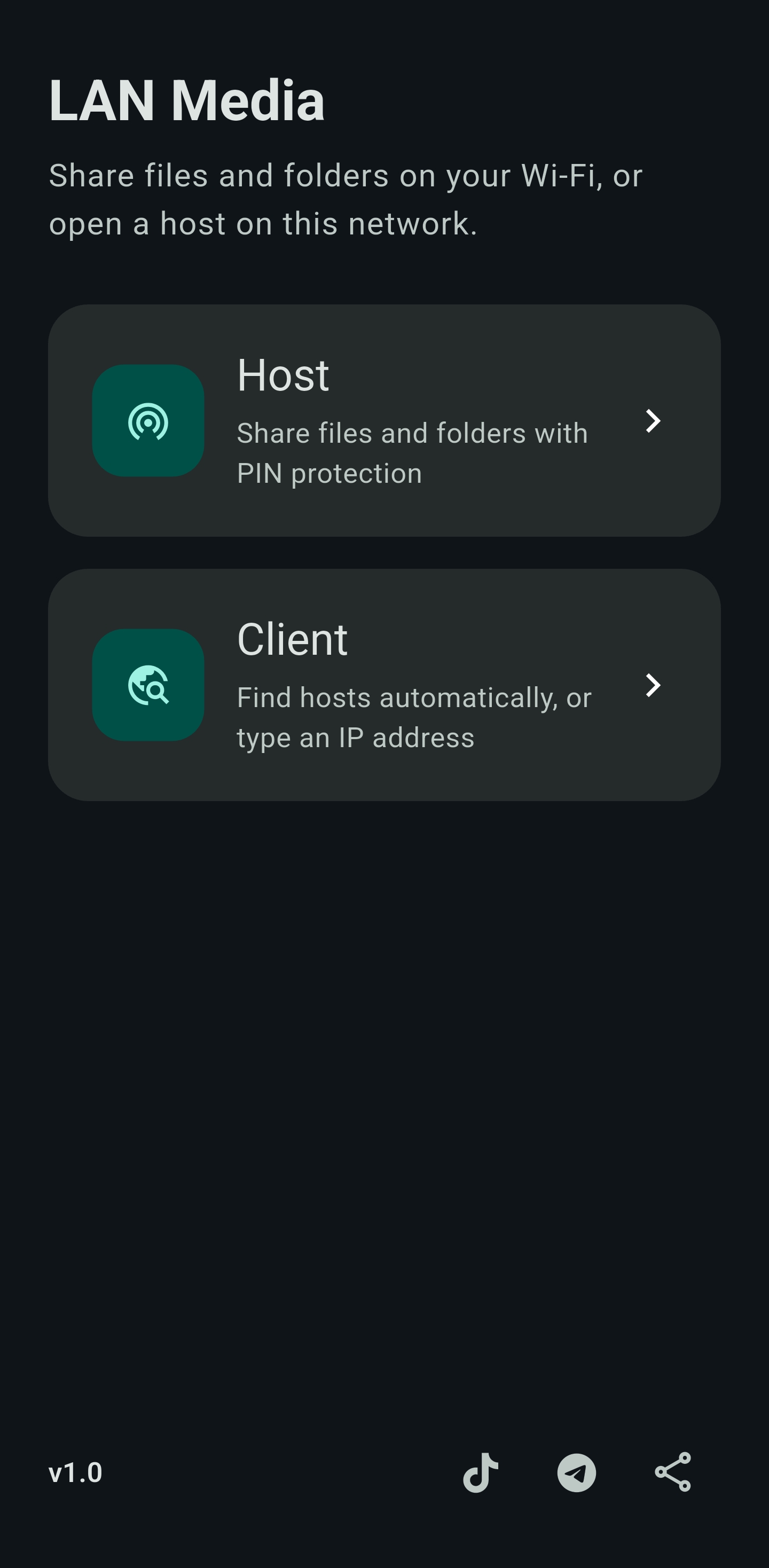
Connect devices on the same Wi-Fi, start a host, then join from the app or a browser.
Connect every device to the same Wi-Fi network.
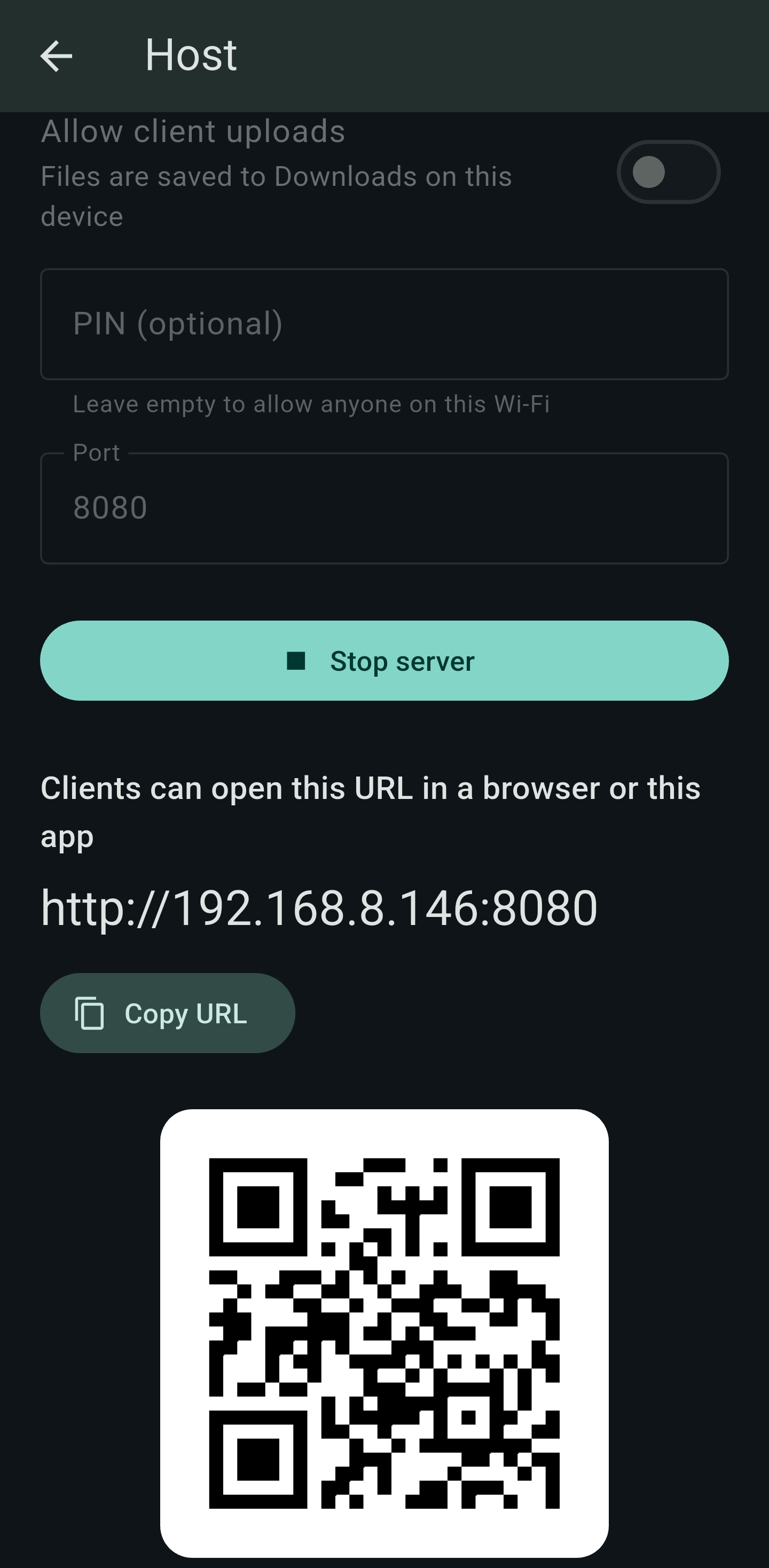
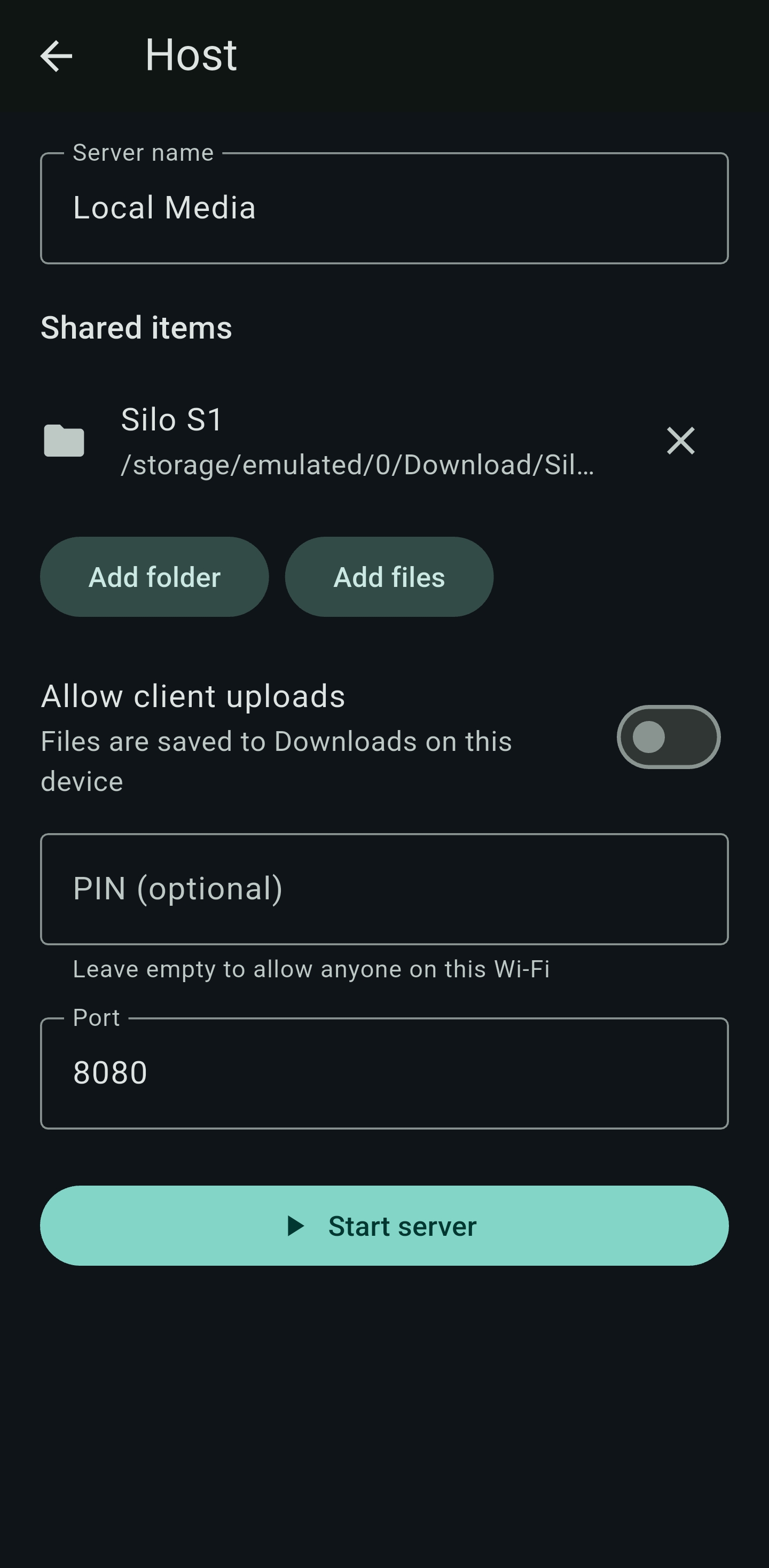
On one phone, choose Host, add files or folders, then start the server.
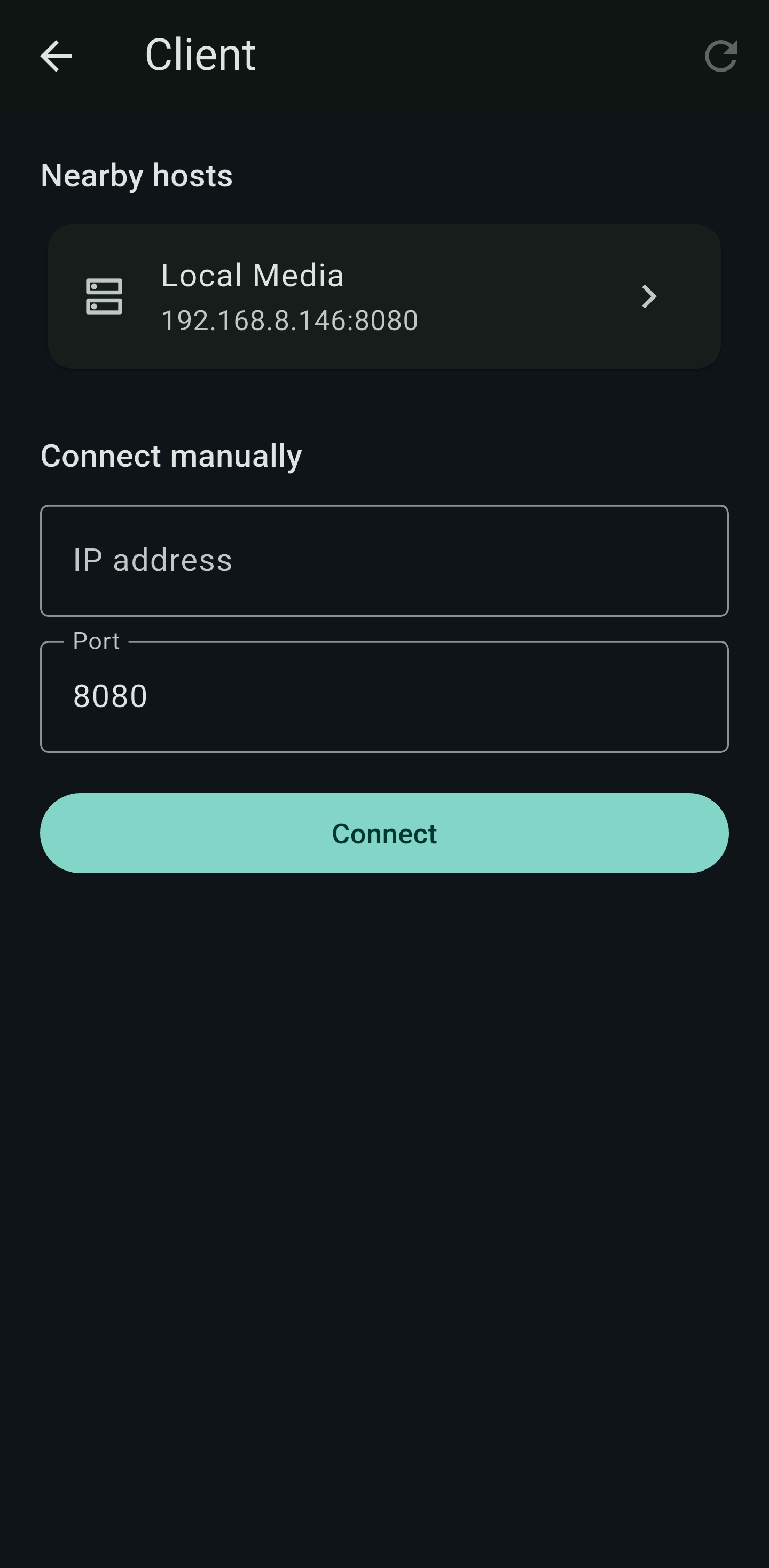
On another device, open LAN Media as a client, or open the host URL in a browser.
Scan the QR code, copy the link, or enter the IP address if automatic discovery does not find the host.
Share from your phone, browse from another device, and keep files on your network.
Share individual files or whole folders. While the server is running, other phones, tablets, and computers on the same Wi-Fi can browse what you shared.
Optional PIN protection keeps the listing locked until guests enter the PIN. Leave the PIN empty if anyone on the network should have access.
Show a QR code and a local URL so people can connect quickly. The server can keep running in the background with a persistent notification.
LAN Media looks for hosts on your Wi-Fi automatically. If a host does not appear, type the IP address and port.
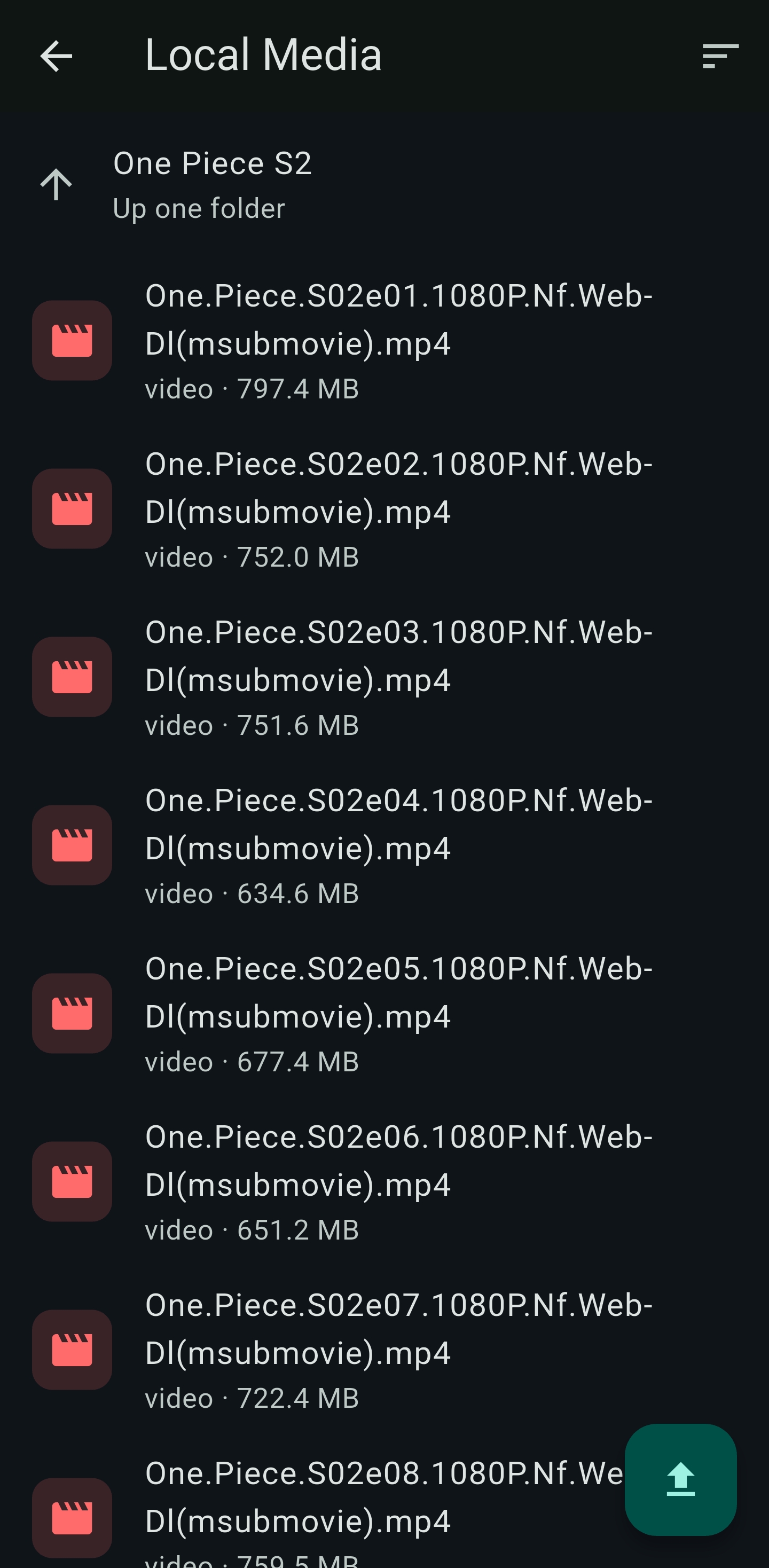
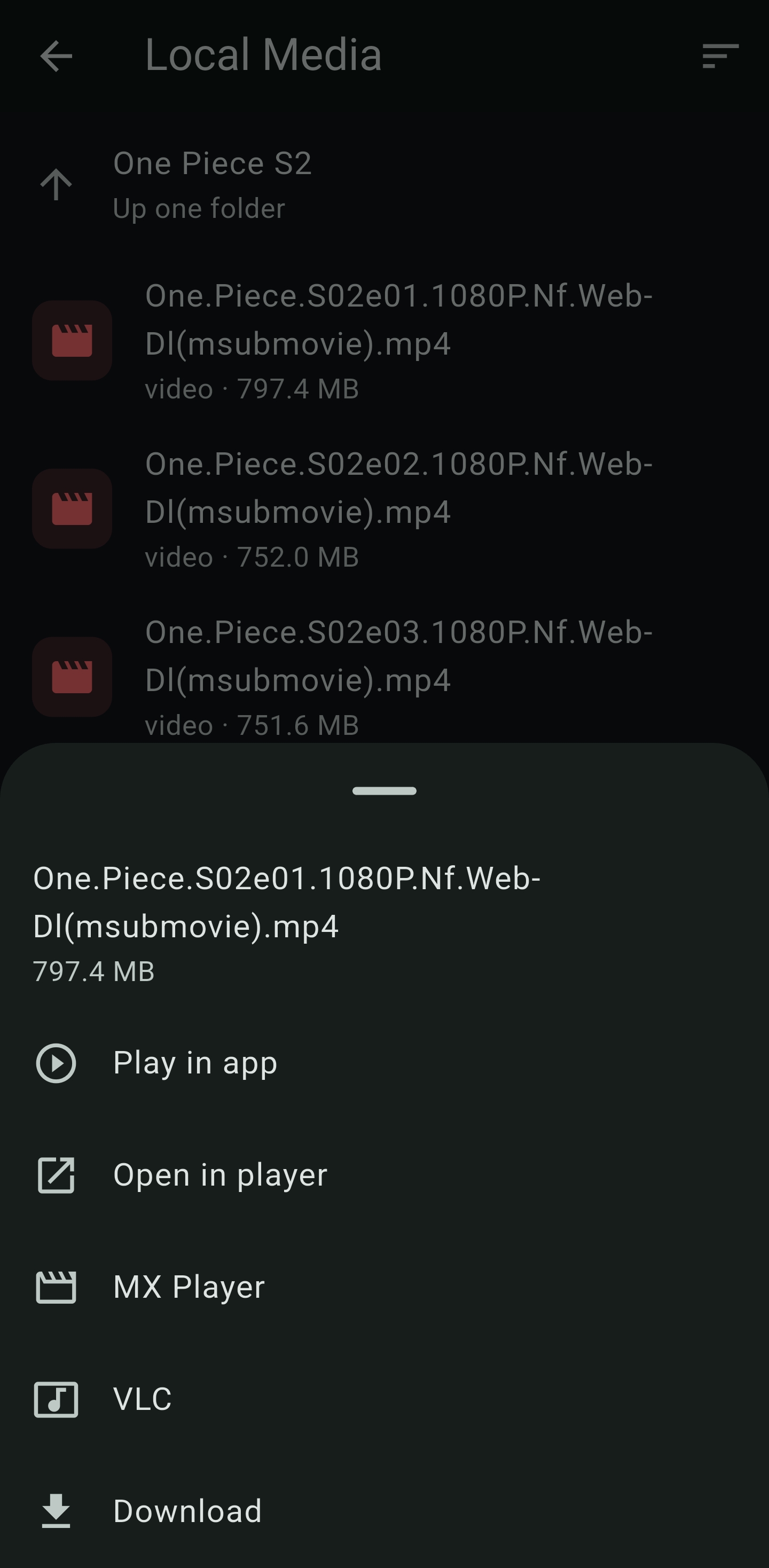
Browse folders, sort by name or date, play videos and audio in the app, and download files to this device. You can also open video or audio in another player such as VLC or MX Player.
When the host allows uploads, send files back to that phone. Uploaded files are saved to Downloads on the host device.
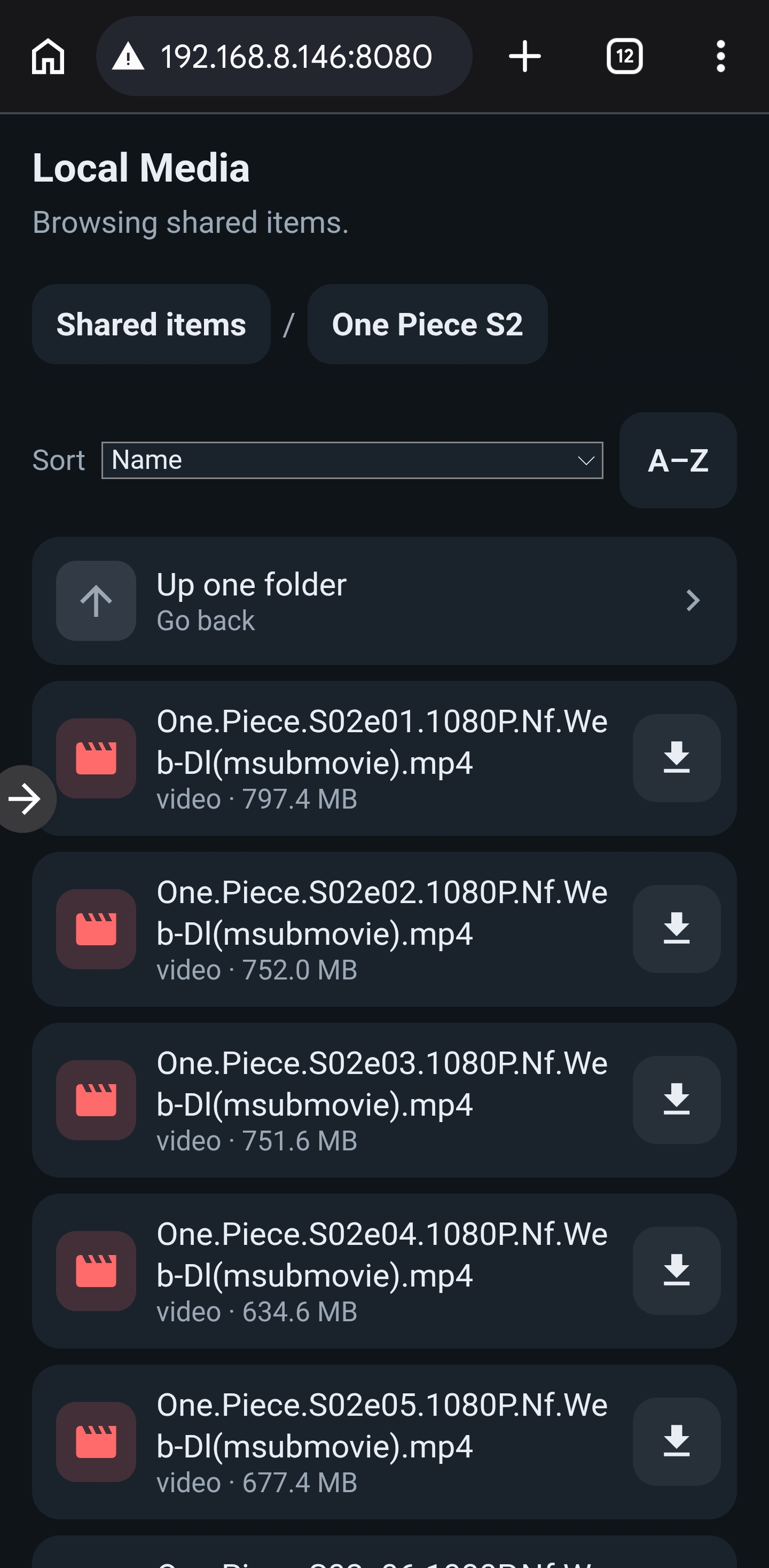
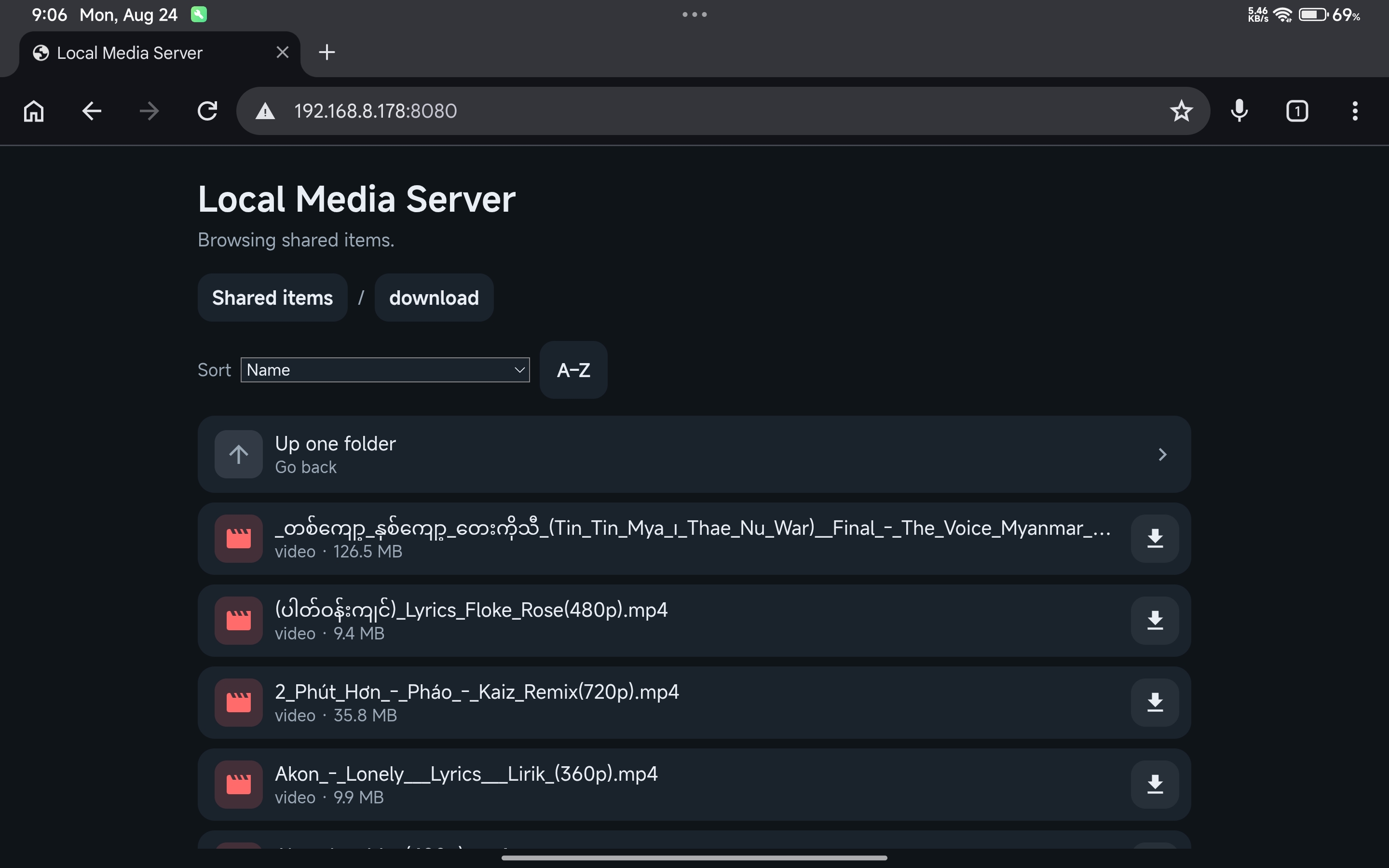
Any device on the same Wi-Fi can open the host URL in a browser. Guests can enter a PIN if required, browse the shared library, play media, download files, and upload when the host has that option enabled.
LAN Media is built for local sharing. Files stay on your devices and travel over your Wi-Fi. The app does not upload your media to the internet or require an account.
Host a library, join from another phone, play in your favorite app, or open the page in a browser.
LAN Media is for personal, local-network sharing between devices you trust.
Devices on the same Wi-Fi network.
Storage permission to share or save files.
Nearby devices / location permission on some Android versions so the app can find hosts on Wi-Fi.
It is not a public internet file-sharing service.
Share files on your Wi-Fi in minutes. Free on Google Play.